
Prefer a direct download? The .dmg version is coming soon.
Built for remote work
TrarrenShot
The Mac Screenshot Tool with Live Screen Annotation
Capture screenshots, annotate instantly, and draw directly on your screen. Create a screenshot workflow that fits the way you work.

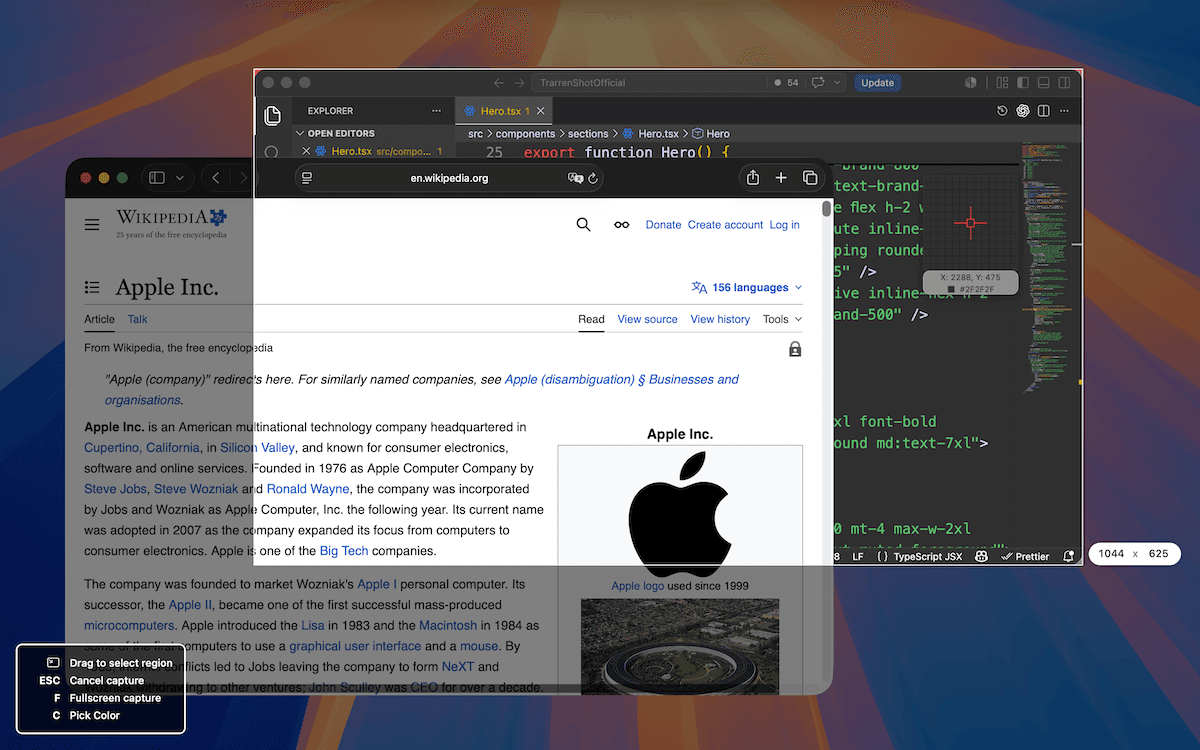
One Shot capture
Capture anything. Stay in flow.
Start One Shot from the menu bar or your shortcut, then capture a region, window, or fullscreen view. Copy, save, annotate, or continue into your screenshot workflow without opening another tool.
Region, window, fullscreen
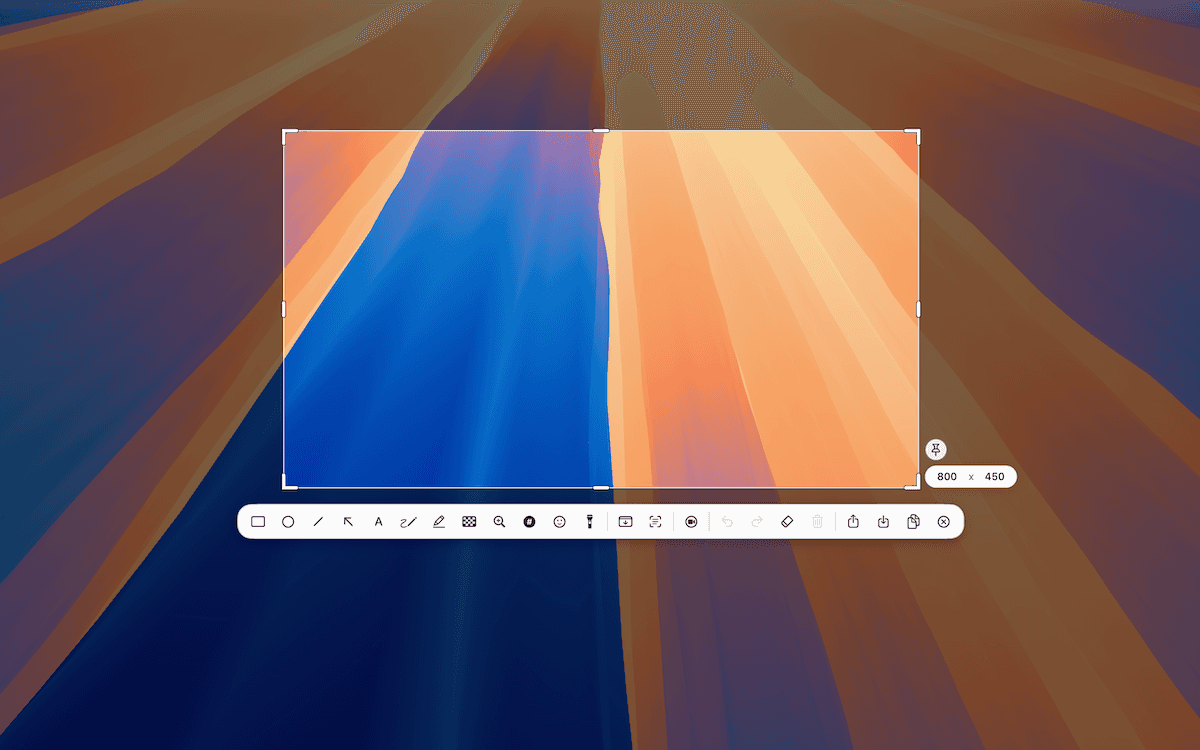
Start once, then choose the exact area you need—from a small detail to the whole display.
Ready for markup
Continue into the Inline Editor to annotate and refine the final capture area.
Copy, save, or share
Finish the capture with the output you need for docs, bugs, and reviews.
Live Canvas
Draw directly on your Mac screen.
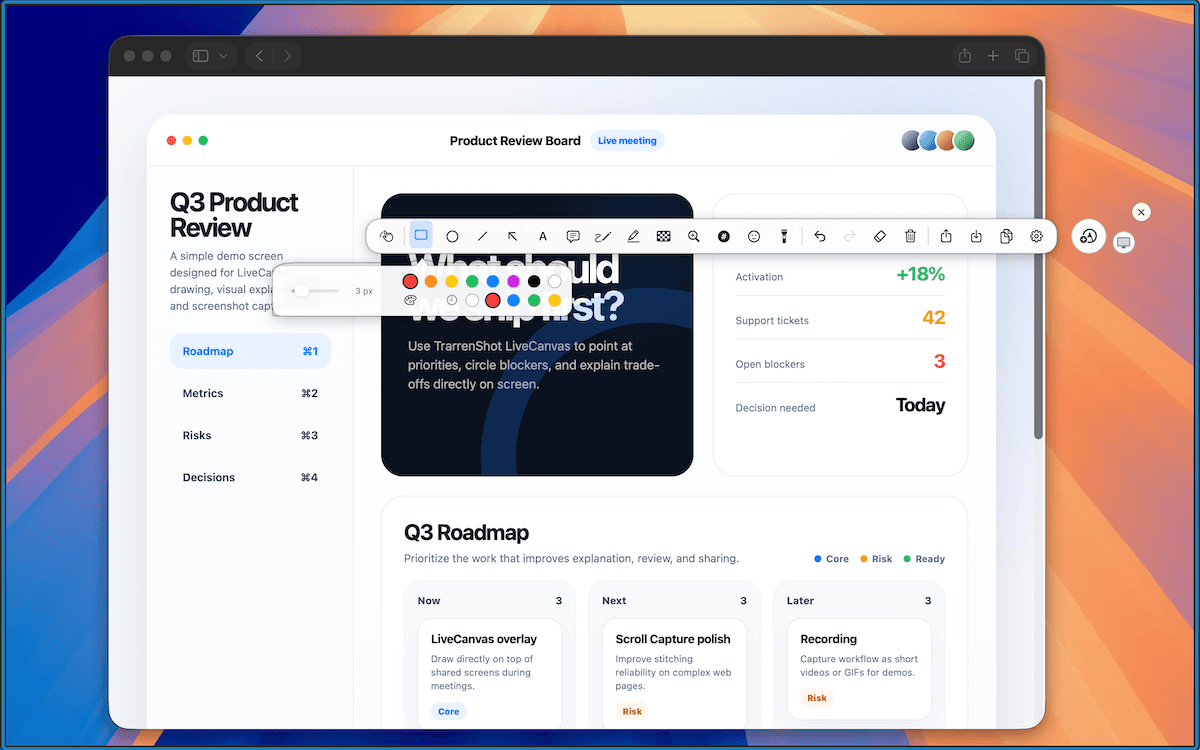
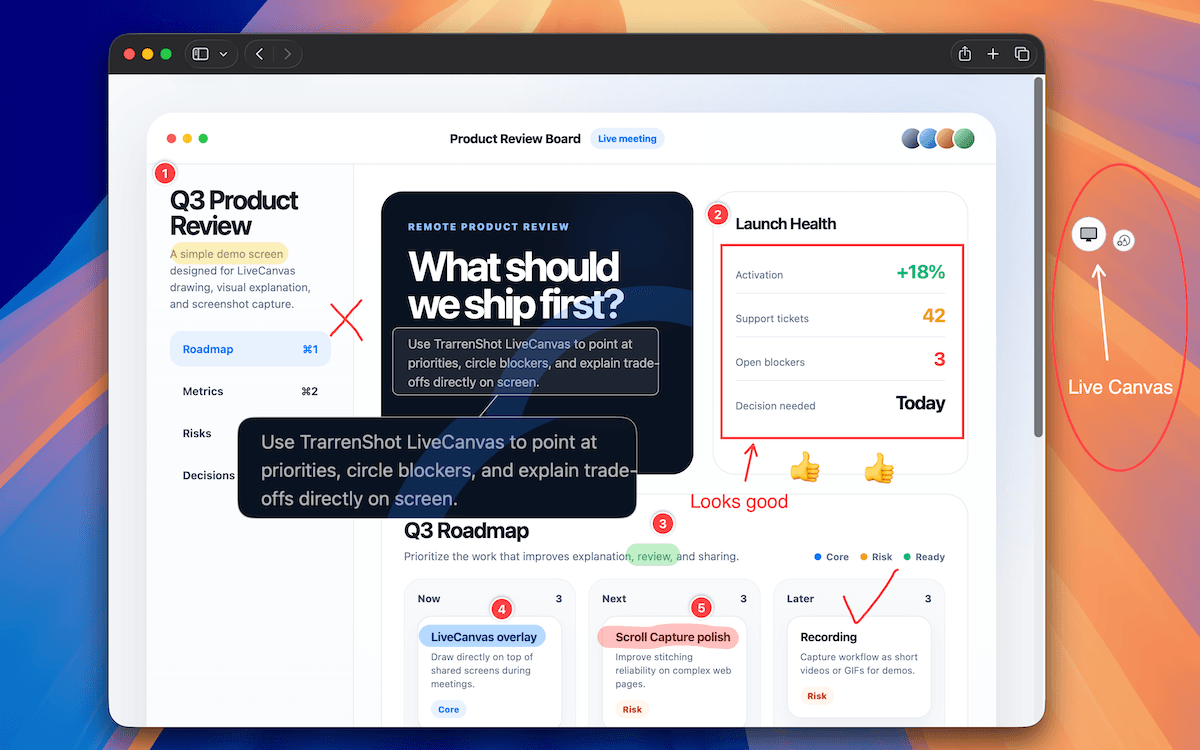
Live Canvas lets you annotate the live desktop without taking a screenshot first. Draw, switch to click-through to use the apps underneath, and choose whether annotations stay visible or dismiss automatically.
Open Live Canvas
Open it from the menu bar or press Command + Shift + backtick.
Keep it or let it disappear
Keep annotations visible, or set them to dismiss automatically after 1, 3, 5, or 10 seconds.
Click through
Press Command + backtick to use the apps underneath, then press it again to draw.
Built for remote work
A clearer way to show your work.
TrarrenShot comes from years of real remote work — capturing, explaining, and sharing without breaking your flow. Fewer steps between seeing something and showing it.
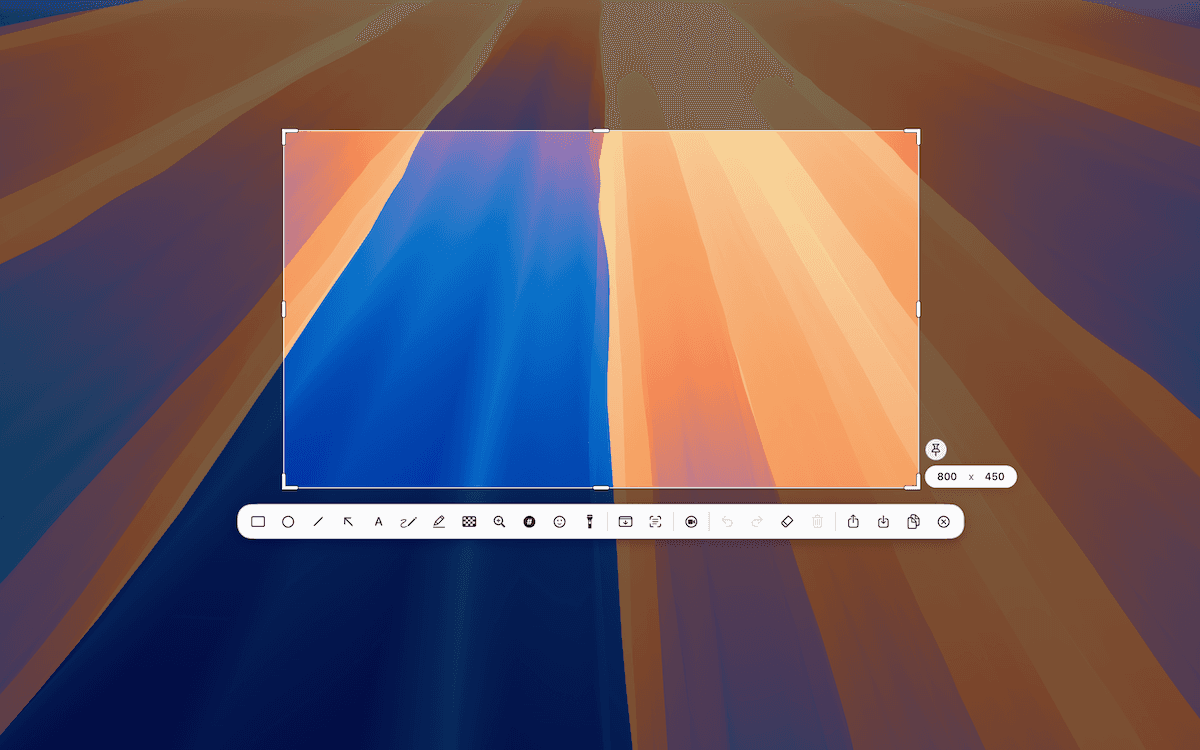
One seamless flow
From capture to a usable result. Without interruption.
One Shot
Choose a window, region, or fullscreen view after you start
Inline Editor
Annotate and refine the final capture area
OCR & QR
Edit text or use QR content without a separate app
Preview
Review, pin, or take the next action
Continue
Copy, save, or share, then get back to work
Powerful tools. Zero friction.
Everything you need. Nothing you don't.
Built for speed. Designed for focus.
Live Canvas · Screen Annotation
Draw on screen during meetings, reviews, and demos.
Use Live Canvas as a real-time screen annotation layer. Draw, switch to click-through, keep working, then copy, save, or share.
Learn more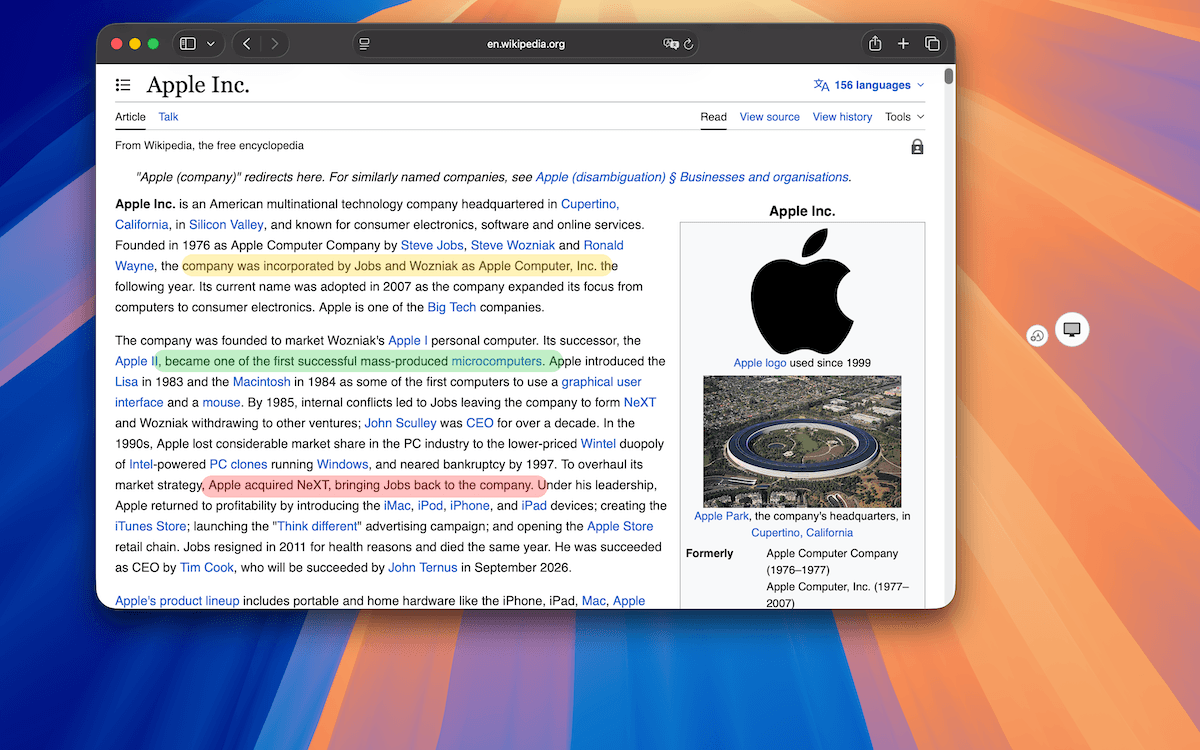
Quick Annotation
Mark it up the moment you capture.
Arrows, shapes, text, highlighter, pixelate, magnify, and step tools — a full annotation toolkit right in the editor.
Learn more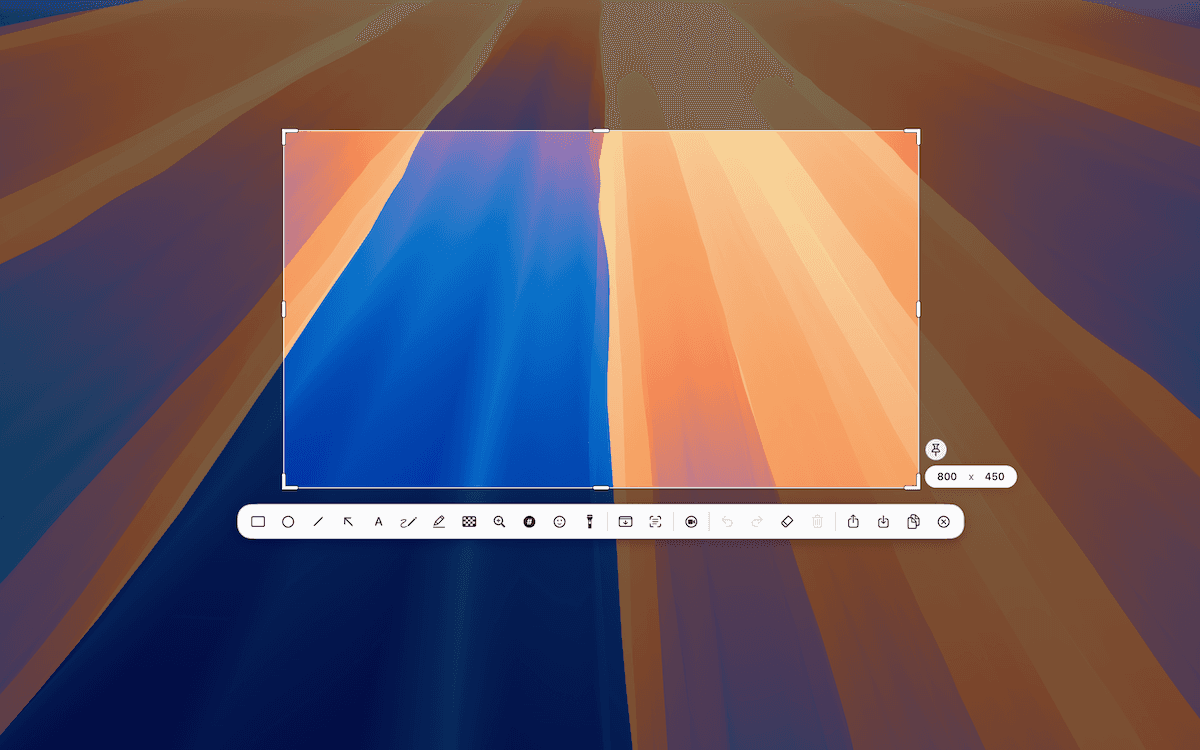
Customize Toolbar
Keep your tools where you need them.
Available with Plus, Customize Toolbar lets you set separate One Shot and Live Canvas layouts, reorder annotation tools, hide unused toolbar items, and reset sections to defaults.
Learn more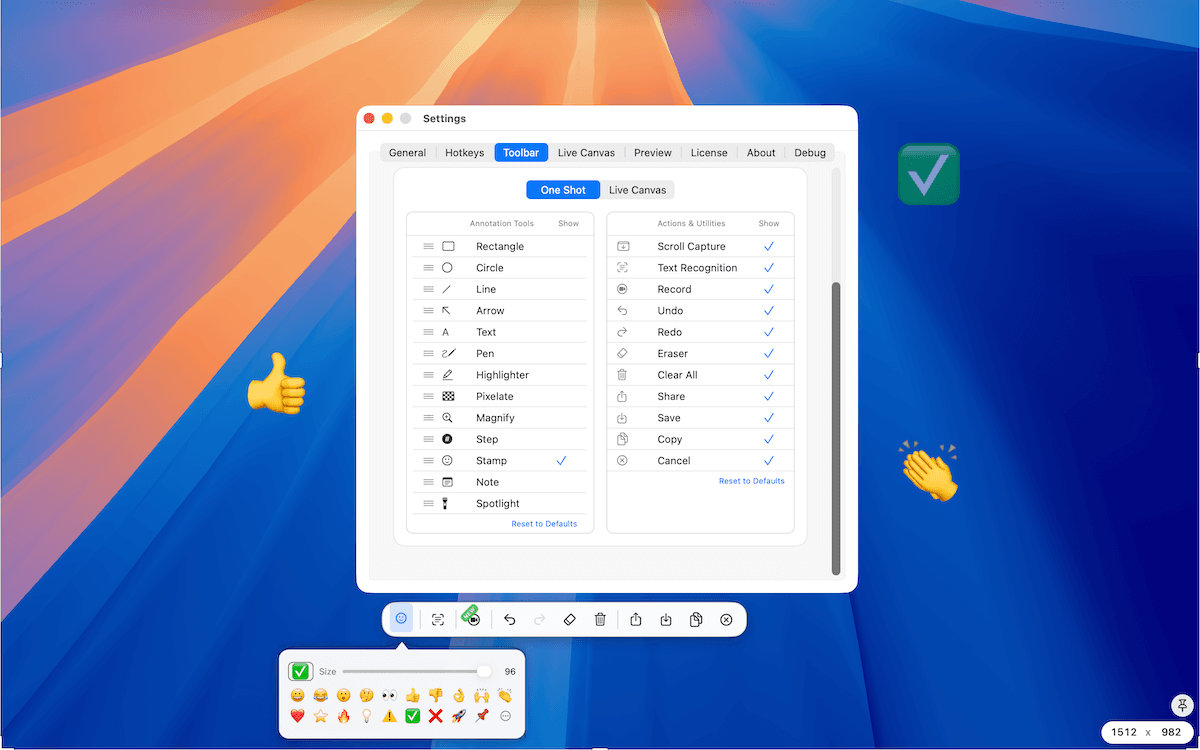
Scroll Capture
Capture the whole page, not just the screen.
Pick an area, then scroll while TrarrenShot stitches each frame into one long screenshot. You scroll, it stitches — perfect for chats, articles, and timelines.
Learn more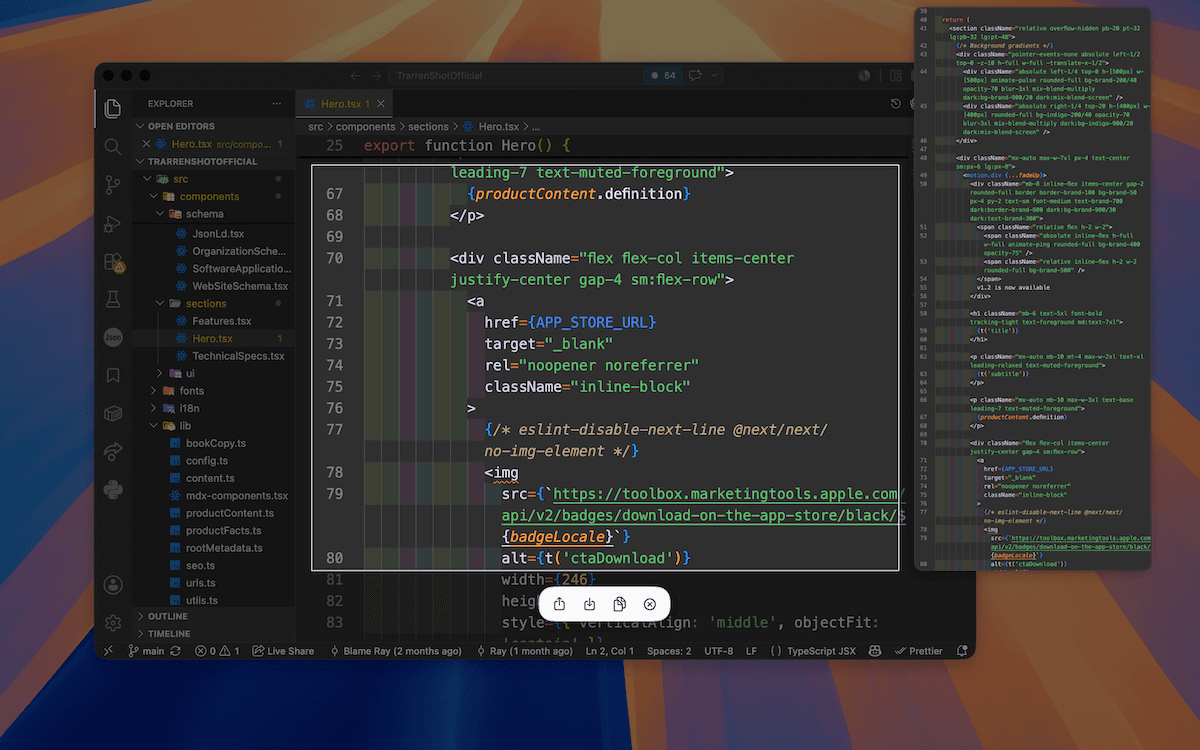
Preview Window
Confirm your result, instantly.
After copy, save, or share, a floating thumbnail lets you pin it, drag it, or open the file or folder — without reopening anything.
Learn more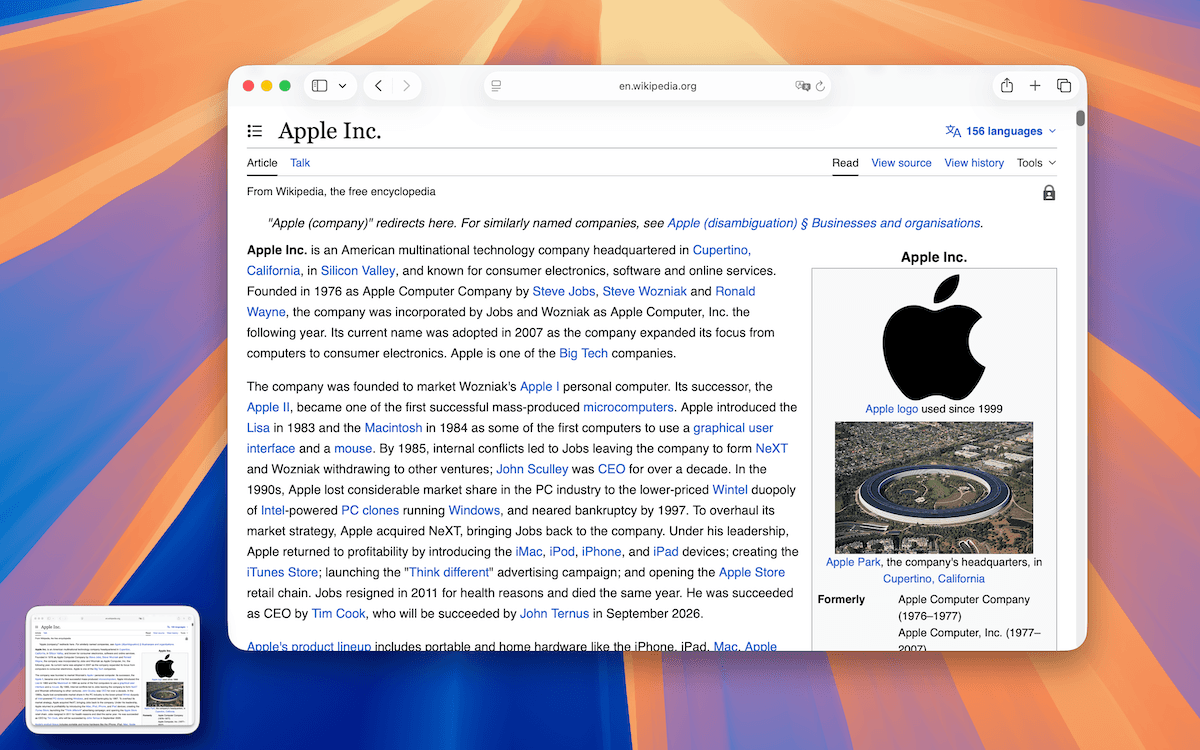
OCR Text Recognition
Turn any capture into editable text.
Select a region, review the OCR result, correct or add text, then copy it—on-device across Auto plus 11 languages.
Learn more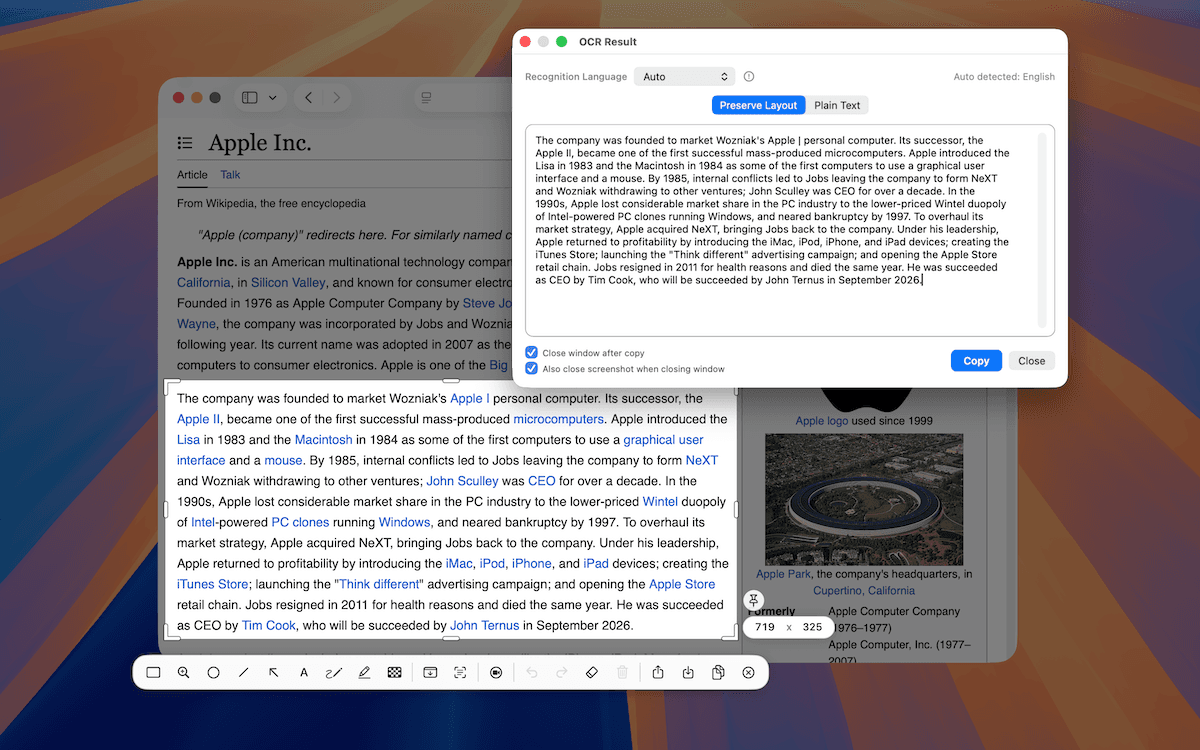
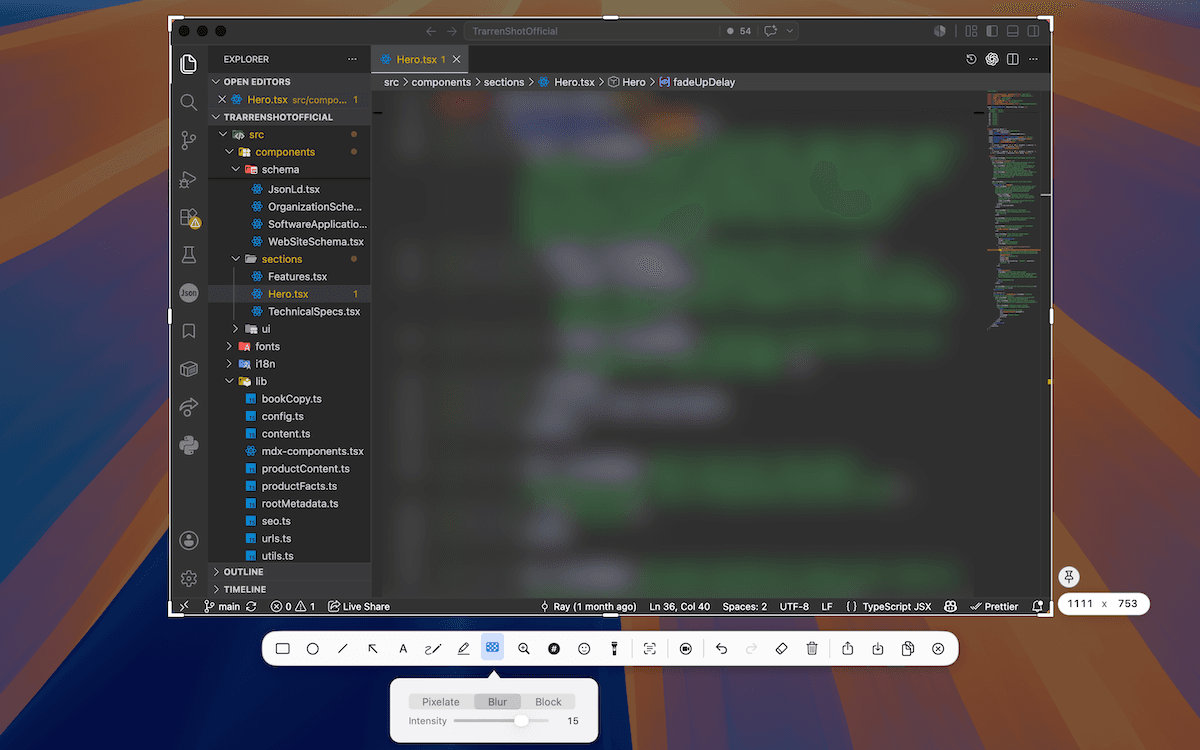
Spotlight & Pixelate
Show what matters. Hide what doesn't.
Spotlight to draw the eye, pixelate to cover sensitive details. Clean, confident screenshots in seconds.
Made for Mac
Feels right at home on your Mac.
Native performance. A clean interface. Your captures stay on your device.
- Native Performance
- Fast and efficient
- Privacy First
- Everything stays on your Mac
- Always Improving
- Regular updates and new features
- Lightweight
- Low memory usage
Simple pricing
One purchase. Your workflow.
Download for free. Lifetime Plus is a one-time purchase with no subscription.
Final purchase pricing may vary by region according to App Store pricing.
PricingBasic
Basic capture
- One Shot capture
- Core screenshot workflow with applicable TrarrenShot branding in select workflows
Plus
Lifetime Plus
- Customize Toolbar, Preview Quick Access, Live Canvas workflow controls, and applicable branding removal
- Current and future local Plus features